
Hair-color tutorial
How to try a new hair color virtually before you dye it
Virtual hair color try-on uses your photo to create an image of you with a different hair color. You upload a clear portrait, choose a shade, and compare the result with your original. For example, you could see whether you prefer dark chocolate or copper around your face. The image helps you choose a look to discuss with your colorist.

Choose one comparison first
You don't need to try every color. Start with the change you're curious about, then pick two options that answer the same question.
| You're wondering... | Compare these looks |
|---|---|
| Would I like darker hair? | Your current color and dark chocolate |
| Would red feel too bold? | Auburn and copper |
| Would lighter pieces be enough? | Caramel balayage and all-over blonde |
| Which blonde do I prefer? | Honey blonde and ash blonde |
Balayage means highlights painted through parts of the hair. It gives you a way to compare lighter strands with a change across your whole head.
If you only want to pay for one preview, choose the shade you're most unsure about. Your original already gives you one side of the comparison.
Keep your original photo as a reference. A new shade can be interesting without being the one you'd want to wear every day. If you need help choosing a color family, read what hair color suits me first.
On BeforeAfter.Beauty, the main upload flow lets you choose a paid look. Check the price before continuing. A separate free offer covers one fixed look and sends a before-and-after image by email. It isn't a free trial of every shade.
How does virtual hair color try-on work?
The AI receives your photo, instructions for your chosen shade, and a hair-color reference image. BeforeAfter.Beauty asks it to change your hair color while keeping your face, hairstyle, clothes, and background unchanged.
It creates a new image from that information. It doesn't test dye on your hair. Check that your face and hairstyle still look the same before judging the color.
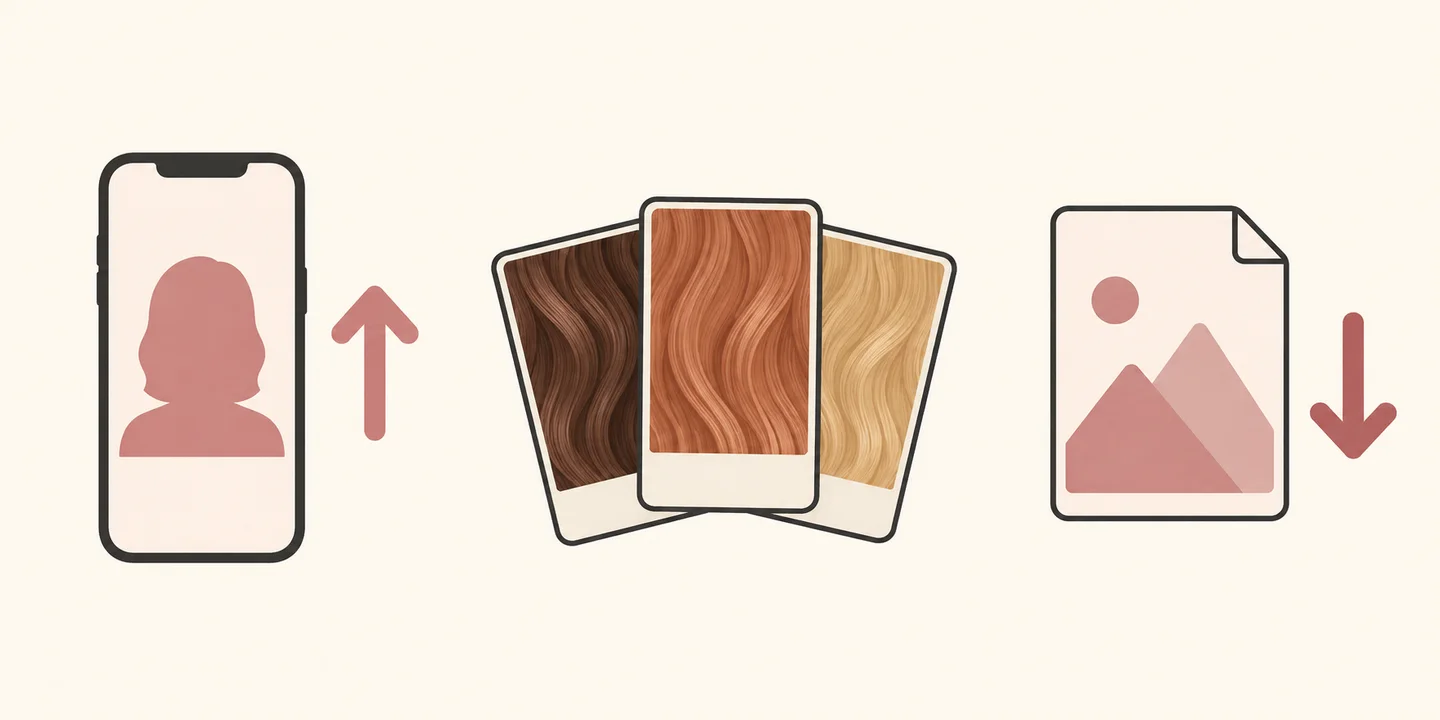
- 1. Upload a photo
- 2. Compare colors
- 3. Save your favorite
1. Upload a photo with your hair clearly visible
Choose a recent portrait with your usual hairstyle. Face a window for soft light, and leave space around your head so the photo includes your hair's outline.
- Use a sharp photo of just you, with your face easy to see.
- Leave your hair down if you want to compare color through the lengths.
- Take off hats and avoid strong shadows across your hair.
- Turn off beauty filters and colored lighting.
Check the photo before uploading. If your brown hair looks orange under a lamp, take another picture in daylight. Otherwise, you'll be judging a new color against a misleading starting point.

2. Choose a look and compare it with your original
Open the hair-color upload page and follow the photo instructions. Choose a look, check its price, enter your email, and complete checkout. When the result is ready, open the before-and-after image.
For another shade, use the same original photo for the next order. Check the price again. Don't upload your edited result as the starting photo: repeated edits can change details and make the colors harder to judge fairly.
Look at the whole portrait first. Do you like the color beside your skin and brows? Then zoom in around your hairline, ears, and shoulders. Watch for stray patches of color on your skin or a section of hair that stayed unchanged.
If your face, skin tone, hair length, or waves have changed, don't use that image to choose between shades. A smoother face or fuller hairstyle can make you prefer the picture for reasons that have little to do with the color.
3. Save the result and note what you like
With a paid result, you can download the standalone image and the before-and-after image. Save your favorite with the shade name so you can find it before your appointment.
Add a short note in your phone. For example: "I like the copper tone, but I'd prefer darker roots." That tells your colorist more than a picture alone.
If you're asking a friend, make the question specific: "Do you prefer the darker brown or the copper beside my face?" Compare the images on the same screen with the same brightness setting.
Check what the color would take in real life
A preview can't tell you how many appointments a change will need, what it will cost, or how often you'll need a touch-up. Your starting color, previous dye, and hair condition can change the salon plan. Your screen and the light in your photo can also affect how the shade looks.
Bring your saved image and explain your color history, including home dye. Ask whether that shade is possible for your hair, whether it needs lightening, and what the upkeep would involve. For a big change, ask your colorist whether a strand test would help them assess the result.
Use the picture to explain what you like about the color. Your colorist can then suggest a shade and method that work with your hair.